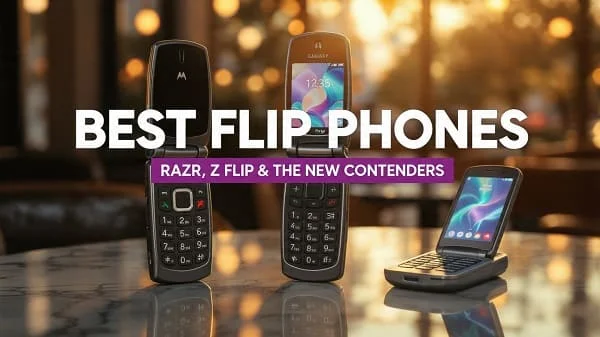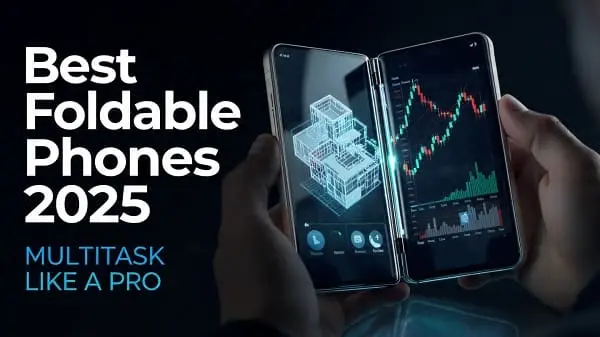
If you’re searching for the Best Foldable Phones 2025: The Ultimate Buying Guide, this long‑form resource is built to help you choose with confidence. We explain the tech that matters (hinges, ultra‑thin glass, creases, cameras, thermals, battery life), how Android adapts to foldable layouts, what Qi2 magnets mean for charging and car mounts, and which models fit different users and budgets. You’ll also find real‑world checklists, store‑demo tests you can do in minutes, and smart pairing advice for cases and protectors—so your 2025 foldable feels fast, durable, and easy to live with.
Table of Contents
How to Choose a Foldable in 2025 (10‑Point Checklist)
Foldables have matured. You can now buy for the experience you want rather than just the novelty. Use this checklist to shortlist models fast:
- Form factor fit: Do you want a mini tablet in your pocket (book‑style) or a tiny pocketable phone (clamshell)?
- Outer screen usability: Is the cover display wide enough for comfortable typing and full apps?
- Hinge and crease: How deep/visible is the crease under overhead lights? Does the hinge feel smooth and stable at multiple angles?
- Display brightness: Can you read outdoors at noon? Is HDR punchy without crushing shadows?
- Cameras: Are you okay with “flagship‑level” main camera plus practical zoom, or do you need the very best telephoto for travel?
- Thermals: During 4K video or gaming, does the phone throttle or stay cool enough to maintain performance?
- Battery life: One intense day should be realistic on a book‑style; clamshells trade endurance for portability.
- Software: Is split‑screen and floating app behavior predictable? Are your must‑have apps optimized on the big inner display?
- Charging + Qi2: Does it support magnetic Qi2 for easy car mounting and desk charging? Any quirks with cases/kickstands?
- Protection and support: Availability of good cases, screen protectors, and a clear warranty/insurance path.
Form Factors: Book‑Style vs. Clamshell vs. Hybrid
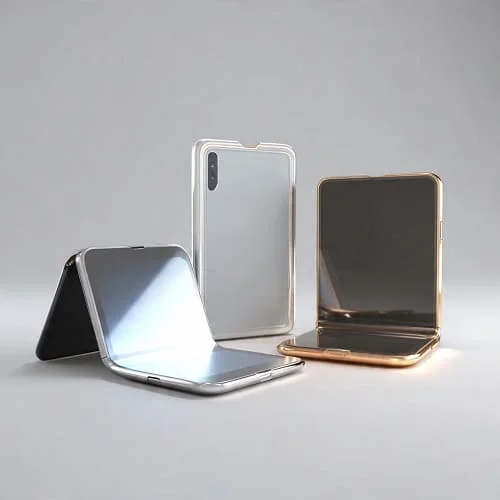
Most 2025 foldables land in two camps:
Book‑Style
- Strengths: Big inner display for split‑screen work, tablet‑like reading, and creative tools. Often better thermals and batteries.
- Trade‑offs: Heavier and thicker; cover screens vary in width—too narrow feels cramped, too wide can increase reach strain.
Clamshell
- Strengths: Pocketable square and the lightest path into foldables. Engaging hands‑free angles for selfies, video calls, and time‑lapses.
- Trade‑offs: Smaller batteries, fewer camera modules, and the inner display is similar to a slab phone—just foldable.
Hybrid ideas
A few models blend wider cover displays with relatively thin chassis to reduce the “brick” feel. These are excellent for messaging without opening and still great for tablet‑style tasks.
Tip: If you type a lot, prioritize a cover display that’s wide enough for natural thumb typing. It’s a daily quality‑of‑life factor you’ll feel every hour.
Hinges, Ultra‑Thin Glass, and Crease Visibility
Hinge and inner glass advancements define the modern foldable. Water‑drop hinges (where the panel curls into a gentle loop at the fold) reduce stress on the glass and can soften the crease. Stiffer U‑shaped hinges save space but typically yield a more visible fold line. Ultra‑thin glass (UTG) layers are tougher than older plastic films and feel closer to a slab phone, especially with improved top coatings.
- Hinge stability: A good hinge holds at multiple angles (laptop mode) and closes cleanly without pinching the panel.
- Crease check: In‑store, tilt the phone under bright downlights. If the crease disappears in motion and only shows at extreme angles, you’ll stop noticing it quickly.
- Dust resistance: Look for ingress protection claims and felt/brush components that sweep debris away from the hinge path.
Background on ultra‑thin glass: Corning’s UTG platform outlines how modern flexible glass is manufactured: Corning Ultra‑Thin Glass.
Displays: Brightness, Refresh, and Outdoor Readability
Foldables now hit high peak brightness outdoors and 120 Hz refresh for fluidity. What still varies is reflection handling and polarization. Some panels appear dimmer under polarized sunglasses (portrait vs. landscape orientation). Others show micro‑ripples when pushed—avoid applying pressure with fingernails or hard tips on the crease area.
- Brightness target: For comfortable sunlight use, prioritize panels with strong auto‑boost outdoors.
- Adaptive refresh: LTPO panels can drop refresh when static to save power. This improves battery life, especially on the big inner screen.
- Color calibration: True‑to‑life skin tones and neutral whites matter for creators. Use “Natural” or calibrated modes for accuracy; switch to “Vivid” for punch.
If a demo unit looks overly reflective, try dark mode and a neutral wallpaper to reduce perceived glare.
Cameras: Sensors, Zoom, and Video Tips
Top book‑style foldables rival slab flagships on the main camera, while clamshells prioritize compactness. The best camera experiences combine a high‑quality main sensor with a practical telephoto (3×–5×) and consistent colors across lenses.
- Portraits: Step back and use 2×–3× to keep faces flattering and backgrounds compressed.
- Low light: Stabilize the phone at half‑open (laptop) angles on a table—built‑in stands!
- Video: On large inner screens, an “open book” is a great camcorder grip; keep elbows close and let stabilization work.
Independent camera testing sites can help you gauge overall trends and trade‑offs. For context across phones, see DXOMARK’s smartphone camera list: DXOMARK Smartphones.
Performance, Thermals, and Battery Life
Performance is about sustained speed, not just benchmarks. Larger inner displays push GPUs harder, and hinge cavities can affect heat flow. Look for models that maintain frame rates in 3D games and keep cool during back‑to‑back 4K clips. Battery capacity helps, but software tuning and display efficiency matter more than raw mAh.
- One busy day goal: 6–7 hours of mixed screen‑on time should be realistic on a book‑style foldable.
- Thermals: If you feel steady warmth (not spikes) and no sudden lag, throttling is likely well‑managed.
- Background drain: Large panels can drain in standby if apps poll too often. Audit permissions on social, maps, and live widgets.
For a neutral way to compare endurance across phones, GSMArena’s methodology and database are useful reference points: GSMArena Battery Test.
Software Experience: Multitasking and App Quality
Android’s foldable experience depends on posture‑aware apps, robust split‑screen, and drag‑and‑drop. In 2025, the best devices let you pin app pairs, float windows, and move media or text across panes like a small tablet.
- Split‑screen defaults: Look for quick gestures to launch two apps and memorized “app pairs.”
- Taskbar: A persistent taskbar on the inner screen speeds up window management.
- Continuity: Seamless hand‑off between outer and inner screens (and back) requires strong app optimization.
Developers are improving fast. For a deeper look at Android’s large‑screen and foldable guidance, review Google’s docs: Android Large Screens Overview and Large‑Screen App Quality.
Charging, Qi2 Magnets, and Accessories
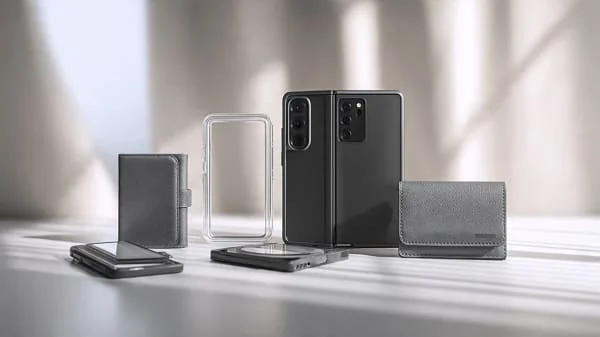
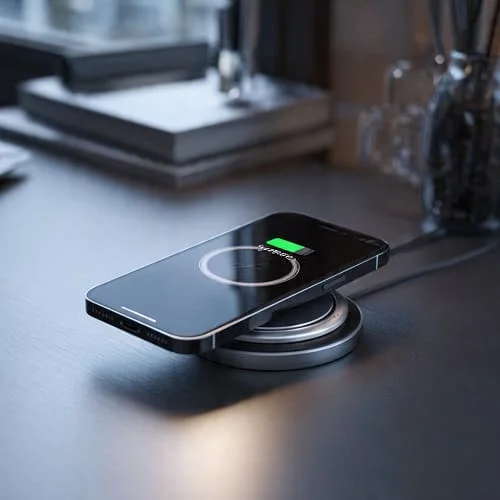
Qi2 adds magnet alignment to wireless charging—great for desk stands and car mounts. A centered ring reduces slip and improves charging consistency. Thick rugged cases or metal kickstands can weaken magnets and slow charging; choose accessories with the Qi2 logo and match ring placement to your foldable’s coil area.
- Chargers: Use certified wired fast‑chargers and high‑quality cables; a bad cable can cap speeds dramatically.
- Car mounts: Strong magnet arrays + a flat case back reduce rattle in dash videos and keep navigation stable.
- Power banks: Slim, magnet‑ready banks are ideal for clamshells; bigger banks suit book‑style devices on trips.
Learn about the Qi2 standard from the Wireless Power Consortium: WPC: Qi2.
Durability, Ratings, Cases, and Care
Durability has improved, but foldables still need mindful handling:
- Ingress protection: Look for IP ratings. The IEC’s IP system explains dust/water resistance levels.
- Cases: Choose hybrid bumpers (TPU + PC) with raised lips and good grip. If you rely on wireless charging, ensure Qi2 magnets are centered and strong.
- Screen protectors: Use manufacturer‑approved inner protectors to maintain hinge integrity; do not peel factory films unless directed by support.
- Care: Keep pockets grit‑free. Avoid pressing fingernails into the crease. After beach trips, clean cases before reinstalling.
- Coverage: Consider manufacturer insurance. For example, Samsung Care+ outlines repair/replacement options: Samsung Care+.
Repairability evolves every year. For teardown perspectives and trends around hinges and adhesives, see iFixit’s foldable coverage: iFixit: Foldables.

Price Tiers and Value: How Much Should You Spend?
Flagship Book‑Style (Premium)
- Who it’s for: Power users, creators, and travelers who replace tablets with the inner display.
- What to expect: Best cameras in a foldable body, bright HDR panels, strong thermals, long software support windows.
Flagship Clamshell (Mid‑to‑High)
- Who it’s for: Minimalists and fashion‑first buyers who still want fast chips and great selfie/video performance.
- What to expect: Playful cover screens, reliable cameras, shorter battery life than book‑style.
Value Foldables (Aggressive Deals)
- Who it’s for: First‑time foldable buyers. Expect last‑year chips, simpler cameras, and excellent prices.
- What to expect: Still great for reading and multitasking; accept compromises in zoom or stereos.
Money‑saving tip: trade‑in offers and carrier promos around launch windows can cut effective prices dramatically. Just watch for plan lock‑ins and activation fees.
Best Foldable Phones 2025 by User Type
Rather than declare a single “best,” here are practical, buyer‑centric picks. Models change, but these categories map cleanly to needs—update each with current availability in your region.
• Best for Productivity and Multitasking
- Why: Wide cover display + large inner screen with robust taskbar and app pairs. Stylus support is a bonus.
- What to check: Two‑app gestures, window resizing, clipboard sharing between panes, drag‑and‑drop behavior.
• Best for Mobile Creators (Photo/Video)
- Why: Strong main sensor, practical 3×–5× tele, consistent colors, and reliable 4K stabilization.
- What to check: Heat during long takes, storage speeds, external mic support, and USB‑C data rates for offloading.
• Best for Travel
- Why: Good zoom, offline maps on big inner screen, dual‑SIM/eSIM flexibility, strong GPS lock, and battery endurance.
- What to check: Satellite features if offered, and optimized airplane‑mode behaviors for long flights.
• Best for Pocketability
- Why: Clamshell convenience with a cover screen large enough for full apps like maps, music, and messaging.
- What to check: App support on the cover, confidence of the hinge at half‑open angles, and clear case options that don’t yellow.
• Best Battery Life
- Why: Efficient SoC + smart refresh management + large cells + tight standby drain control.
- What to check: Overnight drain in airplane mode, screen‑on during maps/gaming, and charging time consistency.
• Best Value
- Why: Last‑gen flagships or new “lite” models with careful compromises.
- What to check: Update policy length, camera consistency, and availability of quality cases and protectors.
In‑Store Demo: 7 Tests to Run in 10 Minutes
- Cover typing: Type two paragraphs on the cover screen—are your thumbs cramped or comfortable?
- Crease visibility: Tilt the inner screen under harsh lighting and scroll text. Does the crease distract you?
- Hinge hold: Set at 90°, 120°, 150°. Does it hold without wobble? Try a short table‑top time‑lapse.
- Split‑screen muscle memory: Launch two apps; use gestures to resize. Does it feel intuitive?
- Thermal poke: Record 4K for 3 minutes and feel the back—steady warmth is fine, sudden spikes are not.
- Glare check: Step near a window; try sunglasses. Is the screen still readable?
- Magnet mount: If accessories are on display, test a Qi2 puck for grip and alignment with a case on.
Common Mistakes to Avoid
- Buying for specs, not shape: Form factor comfort trumps small spec wins. Get the right shape first.
- Ignoring the cover screen: If you hate using the outer display, you’ll open the phone constantly and drain battery.
- Skipping protection: A slim grippy case and proper inner protector are cheap insurance.
- Overlooking Qi2: Magnets transform daily charging and mounting on heavy devices—don’t skip it if you drive a lot.
- Assuming app quality: Install your 10 most‑used apps in‑store and try them in both orientations.
Further Reading: Galaxy Z Fold 7 vs Pixel Fold 2
Deciding between Samsung’s book‑style efficiency and Google’s Pixel‑first camera experience? This side‑by‑side is a helpful primer on the trade‑offs to consider early in your search: Galaxy Z Fold 7 vs Pixel Fold 2: Early Comparison.
FAQs
Will the crease always be visible?
You’ll see it under certain lighting, but on newer hinges it fades in motion and during normal use. Most people stop noticing after a few days.
Are foldables fragile?
They’re tougher than first‑gen models. Still, treat the inner panel gently, keep grit away, and use approved protectors. A good case with raised lips and a strong grip texture helps a lot.
Do foldables get fewer updates?
Most 2025 flagships offer years of Android and security updates. Check each brand’s policy before buying.
Can I use a stylus?
Some book‑style models support a branded stylus on the inner screen (with special tips). Confirm compatibility and use cases like note‑taking and sketching.
Is wireless charging slower on foldables?
It depends on coil placement and case thickness. Qi2 magnets help keep alignment efficient, improving real‑world speeds.
Verdict
In 2025, foldables are no longer just clever prototypes—they’re practical daily drivers. Choose your shape (book‑style or clamshell), verify comfort on the cover screen, prioritize a hinge that holds steady with a crease you barely notice, and make sure the software matches how you work (taskbar, app pairs, continuity). For creators and travelers, focus on camera consistency, thermals, and battery reliability. Add a slim, grippy case with Qi2 support and a manufacturer‑approved inner protector, and you’ll enjoy the flexibility of a pocket tablet or ultra‑compact phone without daily compromises.
Helpful references and standards:
- Wireless Power Consortium: Qi2 standard
- Android: Large Screens Overview (foldables)
- Android: Large‑Screen App Quality
- GSMArena: Battery test methodology and results
- IEC: IP ratings explained
- iFixit: Foldable teardowns and repair insights
- Corning: Ultra‑Thin Glass

About the Author
Alex Carter — Founder & Editor‑in‑Chief, GicraMobile
Alex leads GicraMobile’s testing lab and reviews. His methodology focuses on day‑to‑day performance, battery health and thermals, camera consistency, and 5G/LTE reliability—so you can pick the right phone without hype.
Real‑world testing: 90–120 Hz smoothness, idle drain, thermals
Camera checks: HDR, skin tones, low‑light stabilization
Connectivity: band fit, eSIM, VoLTE/VoWiFi, Wi‑Fi performance
You may also like this